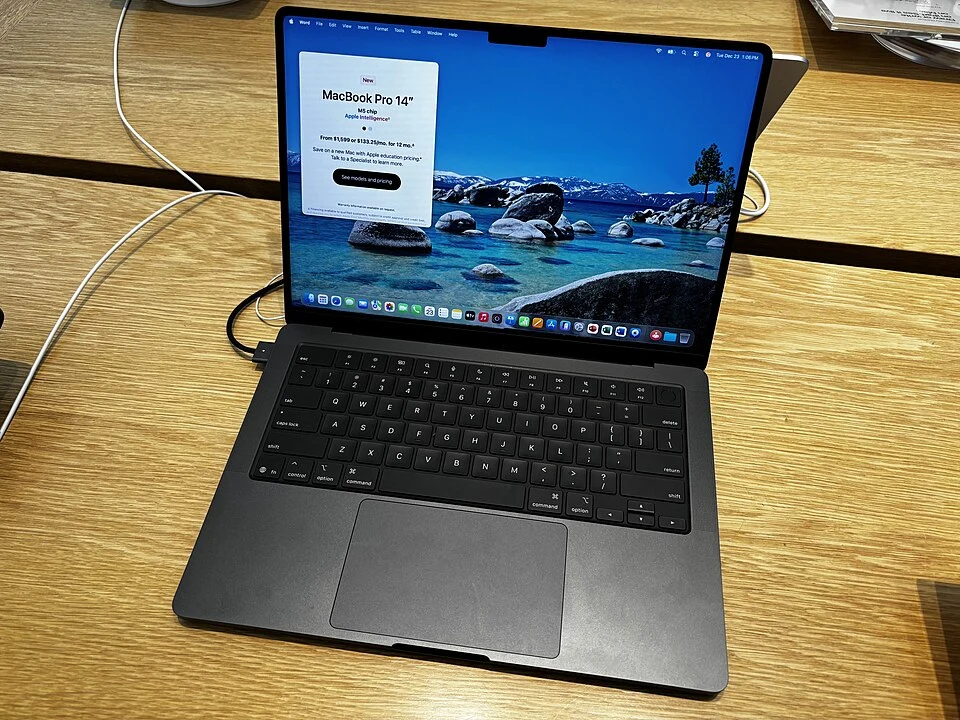
The 14-inch MacBook Pro with the base M5 chip makes the most sense for someone who wants a better laptop screen and more ports, and who spends enough time editing away from a desk to use them. For writing, web work, and occasional photo editing, start by comparing the MacBook Air.


This review draws on published specifications and product documentation. We did not test this unit hands-on.
What you get
The Liquid Retina XDR screen supports ProMotion up to 120 Hz. For an editor moving between locations, the built-in SDXC slot and HDMI port can save room in the bag. Check the exact chip on the listing. The base M5 model is a different configuration from the M5 Pro and M5 Max models.
What to check before buying
Decide how much memory and storage the recipient needs before ordering. Check their current project sizes and what else they run while editing. External storage can help with footage, but it can’t compensate for a memory configuration that is too small for the workload.
Who should buy it
I’d choose the MacBook Pro with the base M5 chip for someone who values the display and ports and edits regularly. For sustained multicam work or heavy effects, compare a similarly configured M5 Pro chip model on the software the recipient actually uses.
Leave a Reply
You must be logged in to post a comment.