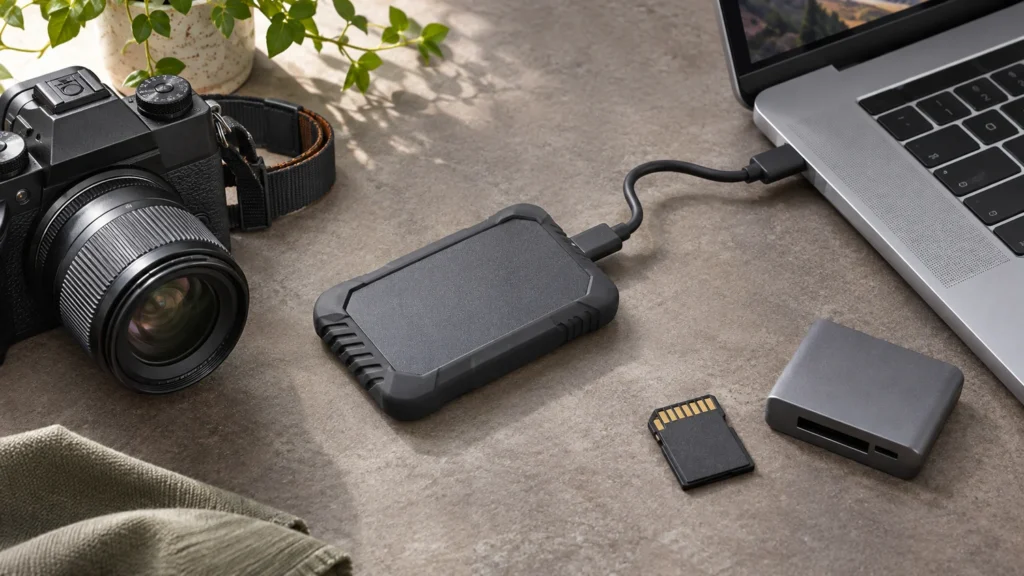
The Samsung T7 Shield is our first choice for most photographers and video hobbyists who need to copy cards, carry active projects, and make a second copy on the road. The 1TB model combines an IP65-rated enclosure with strong sustained writes in independent testing. That combination matters when you come back with several full cards and want the copy to finish at a predictable pace. If you usually transfer smaller batches and want to spend less, buy the PNY RP60. If you regularly move large files between fast drives and have a 40Gbps USB4 port, the LaCie Rugged SSD4 is the upgrade we’d consider. Tom’s Hardware’s 1TB T7 Shield results · PNY specifications · LaCie specifications
The decision starts with the slowest part of your setup. A new SSD can save time when you’re copying from a fast internal drive. If you’re offloading through a slower card reader or dock, the same SSD may make little difference. Check the specifications for the exact port you use and think about the size of a typical transfer before comparing the numbers on the box.
Quick picks
| Award | Product | Key specs and why we picked it | Price link |
|---|---|---|---|
| Top Pick | Samsung T7 Shield 1TB | 10Gbps USB, IP65, up to 1,050 MB/s read. Strong sustained writes and cables for USB-C and USB-A hosts. | Check price |
| Runner-Up | Lexar SL500 with Magnetic Set 2TB | 20Gbps USB, IP54, up to 2,000 MB/s read. The removable magnetic mount keeps the drive close to a compatible phone. | Check price |
| Best Budget | PNY RP60 1TB | 20Gbps USB, IP65, up to 2,000 MB/s read. Lower price than our 1TB top pick at the retailer we checked. | Check price |
| Best Upgrade | LaCie Rugged SSD4 2TB | 40Gbps USB4, IP54 with the port cap seated, up to 4,000 MB/s read. Extra bandwidth for frequent large-file transfers. | Check price |
On November 23, 2026, B&H listed the 1TB Samsung at $287.99 and the 1TB PNY at $199.99, both in stock when checked. Micro Center’s listings showed the 2TB Lexar magnetic kit and 2TB LaCie available for pickup at select stores. Confirm the exact model, local inventory, and final price before ordering. Samsung at B&H · PNY at B&H · Lexar at Micro Center · LaCie at Micro Center
How the drives compare
| Spec | Samsung T7 Shield | Lexar SL500 Magnetic Set | PNY RP60 | LaCie Rugged SSD4 |
|---|---|---|---|---|
| Featured capacity | 1TB | 2TB | 1TB | 2TB |
| Interface | USB 3.2 Gen 2 | USB 3.2 Gen 2×2 | USB 3.2 Gen 2×2 | USB4 |
| Maximum link rate | 10Gbps | 20Gbps | 20Gbps | 40Gbps |
| Peak sequential read | 1,050 MB/s | 2,000 MB/s | 2,000 MB/s | 4,000 MB/s |
| Peak sequential write | 1,000 MB/s | 1,800 MB/s | 1,800 MB/s | 3,800 MB/s |
| Dust and water rating | IP65 | IP54 | IP65 | IP54 with cap seated |
| Included host cable | USB-C to C and USB-C to A | USB-C to C | USB-C to C | USB-C to C |
| Limited drive warranty | 3 years | 5 years | 3 years or applicable write limit | 3 years |
Peak figures are advertised specifications. A link rate describes the connection, while MB/s measures file throughput. The source drive, cable, hub, and size and number of files all affect the speed you see. Samsung datasheet · Lexar specifications · PNY specifications · LaCie datasheet · LaCie write specification at StorageReview
What we looked for
A port you already have. USB-C describes the plug shape. For the PNY and Lexar to reach their advertised speeds, your computer needs explicit USB 3.2 Gen 2×2 support. A USB4 or Thunderbolt logo alone doesn’t establish that your port supports that particular 20Gbps mode. For the LaCie, look for a 40Gbps USB4 or compatible Thunderbolt connection with a cable rated for the job. If you work through a dock, check its downstream port speed or plug the drive directly into the computer for your first transfer. Lexar specifications · LaCie interface support
Write speed when the copy runs long. A drive can look fast for the first minute while it writes to a faster area of flash called the cache. Once that area fills, throughput can fall. We gave more weight to sustained-write evidence for drives aimed at multi-card offloads. For occasional copies, a lower purchase price or a mount that keeps the cable from dangling may matter more. Tom’s Hardware’s sustained-write methodology
Enough room for the whole job. Add up the original files from your largest recent project, plus proxies, exports, and anything else you expect to keep on the drive. Include room for the next project if both will live there at once. If 1TB barely covers the first job, put the money toward 2TB before paying for a faster interface. Compare prices at the same capacity when you narrow your list.
Top Pick — Samsung T7 Shield 1TB
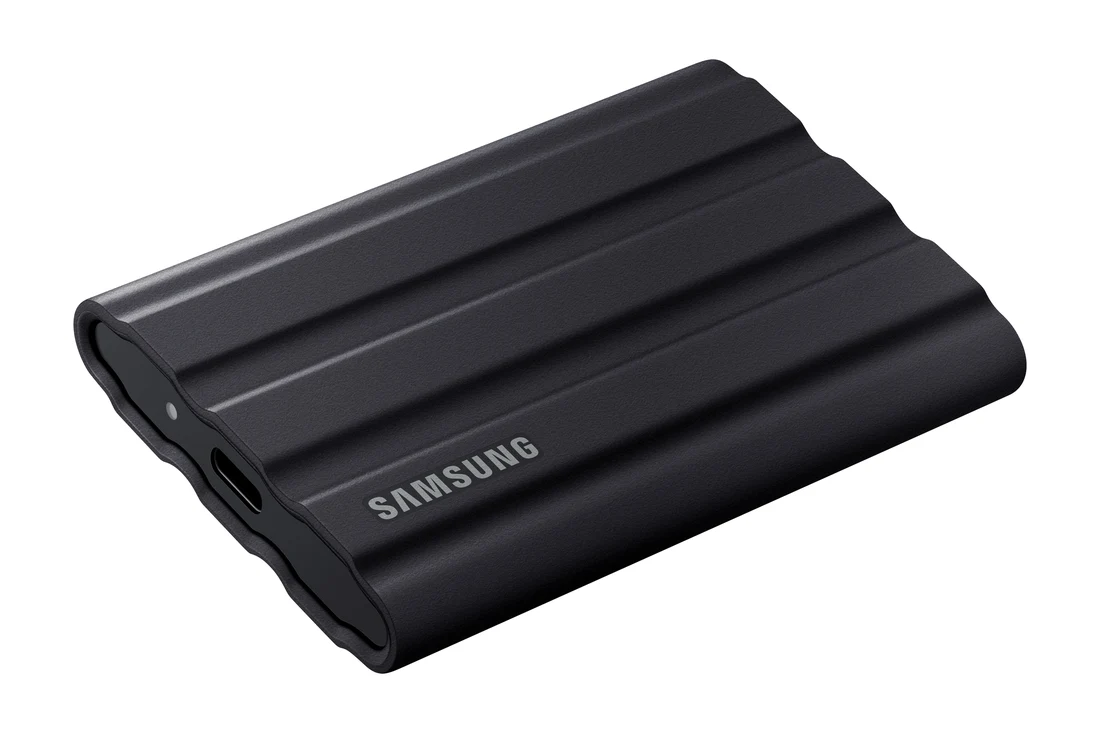
What We Like. The T7 Shield’s strength is a long copy that keeps moving. Tom’s Hardware prefilled its 1TB sample to 50% and found that sustained writes remained strong after the fast cache filled. Samsung includes two host cables, useful if your laptop has USB-C and an older computer at home still has USB-A. The 10Gbps interface makes it an easy choice for mixed setups. Tom’s Hardware’s 1TB results · Samsung datasheet
What Could Be Better. The 10Gbps ceiling matters when you repeatedly move large files between fast drives. At the prices we checked, the 1TB Samsung also cost $88 more than the 1TB PNY. That premium is easier to justify if you frequently copy multiple full cards. For weekly batches of photos or a spare travel copy, we’d pocket the difference. Samsung at B&H · PNY at B&H
Runner-Up — Lexar SL500 with Magnetic Set 2TB

What We Like. We’d choose the Lexar for a phone-first kit. The magnetic case holds the drive near a compatible phone, and you can take the drive out when you use it at your desk. In StorageReview’s Blackmagic benchmark, the 4TB version reached about 1,780 MB/s read and 1,634 MB/s write. Those figures show what the drive family can do on a suitable host. Actual speeds can vary by capacity and setup. Lexar specifications · StorageReview comparison
What Could Be Better. If you only copy files at a desk, the magnetic kit gives you little reason to pay extra. A thick phone case can also change how the setup fits. Check your phone’s recording support, case, and cable clearance before buying it for direct capture. When shopping online, look for with Magnetic Set in the listing, since Lexar sells the bare SL500 separately. Lexar magnetic kit · Bare SL500
Best Budget — PNY RP60 1TB
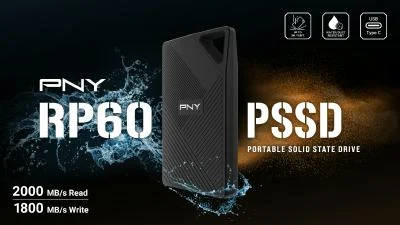
What We Like. The RP60 is the one we’d buy for smaller batches of photos, occasional video, or a second local copy. It was the less expensive 1TB drive in our comparison and still comes with an IP65-rated enclosure. On a computer that supports Gen 2×2, independent tests showed strong short sequential transfers. PNY at B&H · Tom’s Hardware RP60 review
What Could Be Better. The 1TB sample tested by Tom’s Hardware settled below 400 MB/s after about four minutes of continuous writes. An SD card or reader that’s already slower than that may mask the slowdown. If you routinely dump hundreds of gigabytes from fast cards or internal storage, we’d pay more for the T7 Shield’s better sustained-write evidence. Tom’s Hardware sustained-write results · T7 Shield sustained-write results
Best Upgrade — LaCie Rugged SSD4 2TB

What We Like. The LaCie makes sense for frequent transfers from fast internal SSDs or between project drives. StorageReview measured about 3,183 MB/s read and 3,185 MB/s write on its 4TB sample in Blackmagic’s Disk Speed Test over USB4. We recommend the 2TB model as a starting capacity. The published numbers are from the 4TB version, so use them to judge the potential of the interface rather than to predict an exact copy time. StorageReview benchmark
What Could Be Better. The IP54 rating applies with the port cap seated. A connected drive in the rain is a different situation, so set up under cover when you offload outdoors. We’d skip the premium for a 10Gbps-only setup, a library that mostly lives on one computer, or a workflow in which the SD card already dictates the wait. LaCie datasheet
Editorial scorecard
We compared manufacturer documentation, U.S. retailer listings, and independent benchmarks. These are editorial judgments for portable photo and video work. Each bar has five positions. Five means a strong fit for that criterion, three means a meaningful trade-off, and one means a poor fit. The role recommendations weigh these criteria differently. The scorecard does not average benchmarks from different labs into a single performance number.
                       Long copies   Field use   Host flexibility
Samsung T7 Shield      [####-] 4/5   [#####] 5/5 [#####] 5/5
Lexar SL500 Magnetic   [###--] 3/5   [####-] 4/5 [###--] 3/5
PNY RP60               [##---] 2/5   [####-] 4/5 [###--] 3/5
LaCie Rugged SSD4      [####-] 4/5   [###--] 3/5 [####-] 4/5
Samsung scores well for its sustained writes, enclosure rating, and included host cables. Lexar’s mount helps in the field, while its full speed depends on a particular USB mode. PNY earns its place on price and enclosure protection, with a lower long-copy score because of the documented slowdown. LaCie gains headroom on USB4 and loses field-use points for its cap-dependent protection.
Head to head
Samsung T7 Shield vs. PNY RP60. Get the PNY if your usual job is copying a few folders or backing up a laptop periodically. Get the Samsung if your routine is several large offloads at a time and you care about keeping the transfer moving after the cache fills. A faster port can help the PNY in short bursts, but it can’t remove the slowdown observed during extended writes. Samsung sustained-write results · PNY sustained-write results
Lexar SL500 vs. LaCie Rugged SSD4. Buy the Lexar when the drive needs to stay mounted to a compatible phone or when you already have a 20Gbps Gen 2×2 port and want a slimmer drive. Buy the LaCie when you make repeated transfers between fast storage devices and can connect it at 40Gbps. Before replacing a perfectly good drive, time a representative folder through the exact dock or reader you use. If the transfer only takes a few minutes now, extra storage or a second copy may buy you more than extra bandwidth.
FAQ
Is 1TB enough for photo and video backups?
It can be enough for a photo library or one project at a time. For video, check the size of the source folders from your last two shoots and include exports and proxies. We’d buy 2TB if the 1TB model would need frequent cleanup. After copying a card, open a few files from the destination and confirm a separate copy before reformatting the card.
Can I use one drive with both a Mac and a Windows PC?
Yes. For a drive you’ll use to exchange files between both, exFAT is a practical choice. If the drive is for Time Machine, Apple prefers APFS or APFS Encrypted. Back up anything already on the drive before changing its file format, since reformatting erases the selected volume. Apple Disk Utility file formats · Apple’s Time Machine drive guidance
Does one portable SSD count as a backup?
Yes, if the files also exist elsewhere. If you move them to the SSD and erase the originals, the SSD now holds your only copy. For irreplaceable files, follow the 3-2-1 rule. Keep three copies across two types of storage and keep one copy offsite. A laptop, a portable drive, and an offsite backup are one way to do it. CISA backup guidance
For more ideas for a laptop workspace, see three laptop desk upgrades that solve different problems.